
How does IPTV work 2026 is the question that sits behind every cord-cutting decision and every conversation about switching away from cable or satellite television. Most people understand that IPTV delivers television through an internet connection but very few understand the actual process between a remote server and the picture on their screen. That gap in understanding matters because knowing how IPTV works helps you make better decisions about your internet setup, your device choice, your provider selection, and why certain problems like buffering happen and how to fix them.
This guide explains the complete IPTV delivery chain from content source to your screen in plain language with no unnecessary technical jargon. By the end you will understand exactly what happens every time you open a channel and why some setups deliver a flawless experience while others frustrate viewers with the same content on the same provider.
How does IPTV work 2026 in simple terms: your provider hosts thousands of channel streams on remote servers connected to the internet. When you open a channel your device sends a request through your internet connection to that server. The server responds by streaming the channel data directly to your device in real time. Your player app decodes that data stream and displays it as video on your screen within seconds of your request.
Table of Contents
The IPTV Delivery Chain: From Broadcast to Your Screen in 2026
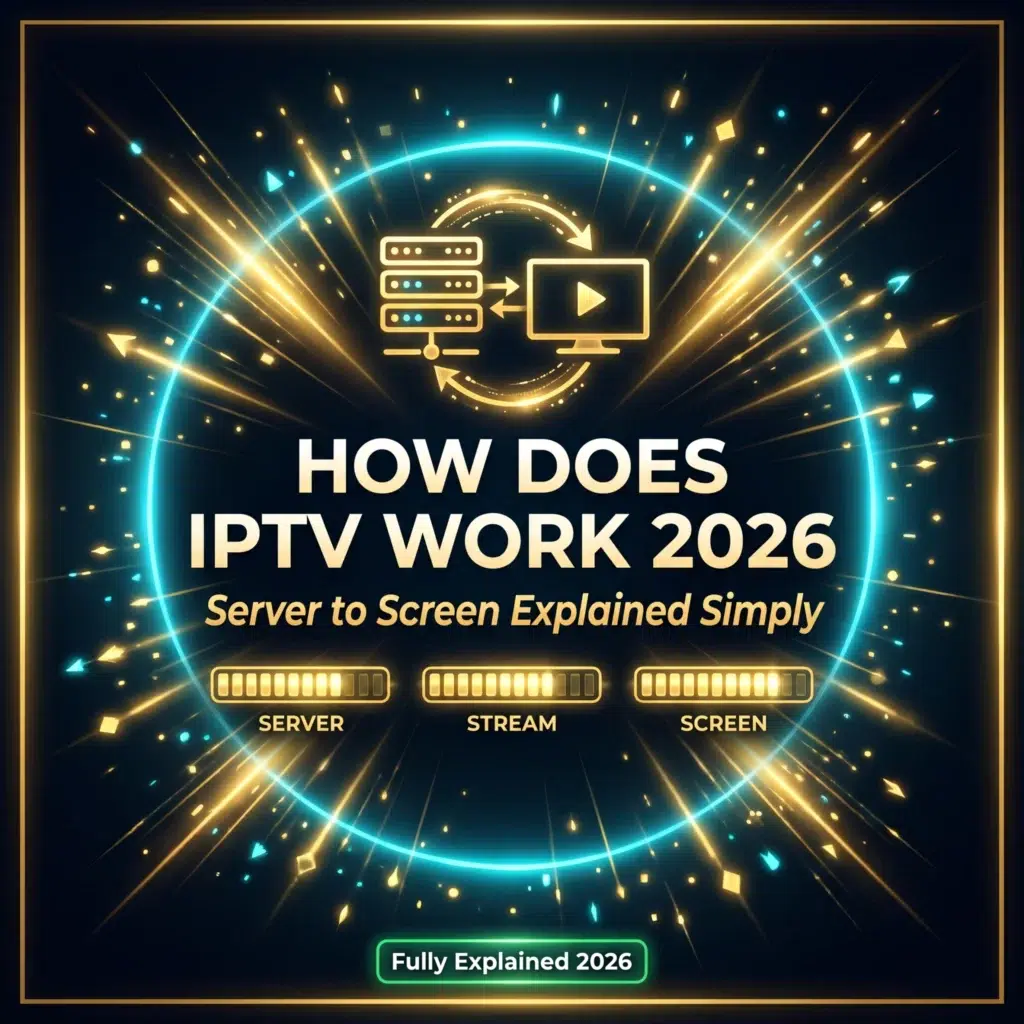
Understanding how IPTV works starts with understanding where the content originates before it reaches your provider’s server. A live sports broadcast begins at a stadium or arena where cameras capture the event and send the signal to a broadcast facility. That facility encodes the signal and transmits it to the broadcaster’s own distribution infrastructure.
Your IPTV provider receives that broadcast signal through licensed or unlicensed feed acquisition and re-encodes it for internet delivery. The re-encoded stream is hosted on the provider’s server infrastructure, which is a collection of powerful computers connected to high-bandwidth internet connections capable of serving thousands of simultaneous viewers.
When you open a channel on your player app your device sends a small data request to the provider’s server identifying which channel you want. The server begins sending the encoded video data back to your device in a continuous stream. Your player app receives that data, decodes the video encoding format, and displays the result on your screen. The entire sequence from your button press to visible video takes between two and eight seconds depending on your connection speed and the provider’s server response time.
How IPTV Handles Live TV Differently From On-Demand in 2026
Live television and on-demand content work through the same fundamental IPTV infrastructure but with one important architectural difference that affects how each type of content performs on your connection.
Live television streams are continuous. The server sends data at a constant rate matching the broadcast in real time and your device must receive and decode that data at the same rate to display the stream without interruption. If your connection speed drops below the rate required for the stream your player app buffers incoming data, which is why live streams freeze momentarily during connection dips rather than simply loading more slowly the way a web page does.
On-demand content works differently. The server stores the complete file and your device can request it at whatever speed your connection supports, buffering ahead of your current playback position to create a smooth viewing experience even on slower connections. This is why VOD content on IPTV typically performs more smoothly than live channels on the same connection because the time-sensitive delivery requirement of live streaming does not apply.
What IPTV Protocols Mean and Why They Matter in 2026
IPTV content is delivered using specific internet protocols that determine how efficiently the stream data travels from server to device. The two primary protocols you will encounter as an IPTV subscriber are M3U playlists and Xtream Codes, and understanding the difference helps you set up your player app correctly.
An M3U playlist is a text file containing a list of stream URLs. Each URL in the list points to a specific channel stream on your provider’s server. Your player app reads the M3U file and uses the URLs to request each channel when you select it. M3U is the simpler of the two protocols and works with virtually every IPTV player app available in 2026.
Xtream Codes is a more structured system where your provider gives you a server URL, username, and password rather than a playlist file. Your player app uses those credentials to authenticate with the provider’s server and retrieve the channel list dynamically. Xtream Codes offers better EPG integration, faster channel list updates, and more stable credential management than M3U playlists, which is why most top-tier providers in 2026 use it as their primary connection method.
How Video Encoding Affects Your IPTV Stream Quality in 2026
Every channel stream your IPTV provider delivers has been encoded into a specific video format before transmission. The encoding format determines how much data per second is required to deliver a given picture quality and how much processing power your device needs to decode the stream for display.
H.264 is the most widely used encoding format for IPTV in 2026. It is well-supported across virtually every streaming device and player app and delivers good quality at moderate bitrates. Most HD channels on IPTV use H.264 encoding because its broad device compatibility makes it the safest choice for providers serving a diverse subscriber hardware base.
H.265, also known as HEVC, delivers the same picture quality as H.264 at roughly half the bitrate. This makes it the preferred encoding for 4K content where the data per second requirement is highest. The trade-off is that H.265 decoding requires more processing power from your device. Older or lower-specification streaming devices may struggle with H.265 streams in a way they do not with H.264, which is why checking your device’s codec support before subscribing to a 4K plan saves a frustrating discovery after payment. If you encounter stream quality issues related to encoding the IPTV buffering fix 2026 guide covers decoder settings adjustments that resolve most playback problems without any hardware changes.
How IPTV Servers Handle Thousands of Viewers Simultaneously in 2026
The server infrastructure behind an IPTV provider is the component that most directly determines your daily viewing experience and the one that most differentiates the top providers from the rest of the market. Understanding how it works explains why some providers handle peak hours flawlessly while others collapse every Saturday evening.
A single IPTV channel stream requires the provider’s server to send identical data to every subscriber watching that channel simultaneously. For a popular sports channel during a major match this might mean tens of thousands of concurrent viewers all receiving the same stream at the same time. The server infrastructure must have enough bandwidth and processing capacity to serve all of them without degrading the data rate sent to any individual viewer.
Top providers solve this through content delivery network architecture. Rather than serving all viewers from a single central server location they distribute stream delivery across multiple server nodes positioned in different geographic regions. A viewer in the UK receives stream data from a server cluster physically closer to them than one in North America, which reduces latency and improves stream stability simultaneously. This infrastructure investment is the primary cost that separates premium providers from cheap ones and the primary reason why price alone is a poor guide to IPTV quality. Seeing this infrastructure quality difference in practice is exactly why testing with an IPTV free trial 2026 during a peak traffic window reveals more about a provider than any marketing page ever will.
Frequently Asked Questions
Does IPTV use a lot of internet data in 2026?
Yes. HD streaming at 1080p consumes approximately 3 to 5 GB of data per hour depending on the stream bitrate. 4K streaming consumes between 7 and 15 GB per hour. For households with unlimited broadband this is not a practical concern. For mobile data viewing or connections with monthly data caps, monitoring consumption during extended viewing sessions prevents unexpected overage charges.
Why does my IPTV stream have a slight delay compared to live broadcast in 2026?
The encoding, packaging, and delivery process that IPTV uses to transmit a live broadcast over the internet introduces a delay of between 5 and 30 seconds compared to the original broadcast. This is an inherent characteristic of internet streaming delivery rather than a problem with your setup or provider. It means IPTV viewers see live events slightly after they occur compared to viewers watching through a traditional broadcast receiver.
Can my IPTV provider see what I watch in 2026?
Your IPTV provider’s servers log which channel streams your account requests as part of normal infrastructure operation. Your internet service provider can also see that your connection is making requests to streaming servers unless you use a VPN. Using a VPN encrypts your connection traffic and prevents your ISP from identifying it as streaming activity while maintaining full stream quality on a fast VPN server.
What is the difference between IPTV and a streaming service like Netflix in 2026?
Netflix is an on-demand only platform delivering a curated library of content available at any time. IPTV delivers thousands of live broadcast channels streaming in real time alongside an on-demand library. IPTV replaces cable and satellite television while Netflix supplements it. The two serve different primary functions and most households who switch to IPTV maintain a Netflix or similar subscription alongside it for exclusive original content.
Why do some IPTV channels load faster than others in 2026?
Channel loading speed depends on the stream source location relative to the server node serving your region, the current concurrent viewer load on that specific channel, and the encoding bitrate of the channel itself. High-demand channels like major sports broadcasters typically load faster because providers allocate more server resources to them. Less popular international channels may load more slowly if they are hosted on a lower-priority server path within the provider’s infrastructure.
Conclusion
How does IPTV work 2026 is a question with a straightforward answer once you understand the delivery chain from server to screen. Your provider hosts stream data on servers connected to high-bandwidth internet infrastructure. Your device requests the channel you want. The server delivers a continuous data stream. Your player app decodes it and displays it as video. Every component in that chain affects your viewing experience and understanding each one gives you the knowledge to optimise your setup, troubleshoot problems intelligently, and choose providers whose infrastructure is genuinely built to deliver what they promise at peak hours every single day.